Fathom Goes Bot-Free on Google Meet—But Bot-Free Still Is Not Local
Fathom is bringing bot-free capture to Google Meet. Here is why removing the meeting bot changes the recording experience, not necessarily the data-processing boundary.
Fathom is joining the shift away from visible meeting bots.
In a product roadmap edited August 28, 2026, Fathom says bot-free video capture for Google Meet is coming “in the coming weeks” through its Chrome extension. Its new Mac experience already offers bot-free modes for transcripts and audio, while bot-free video capture is available for Zoom.
That is a meaningful product change. Bots can create permission friction, clutter participant lists, fail to join, get blocked by administrators, or enter a meeting after their owner has left.
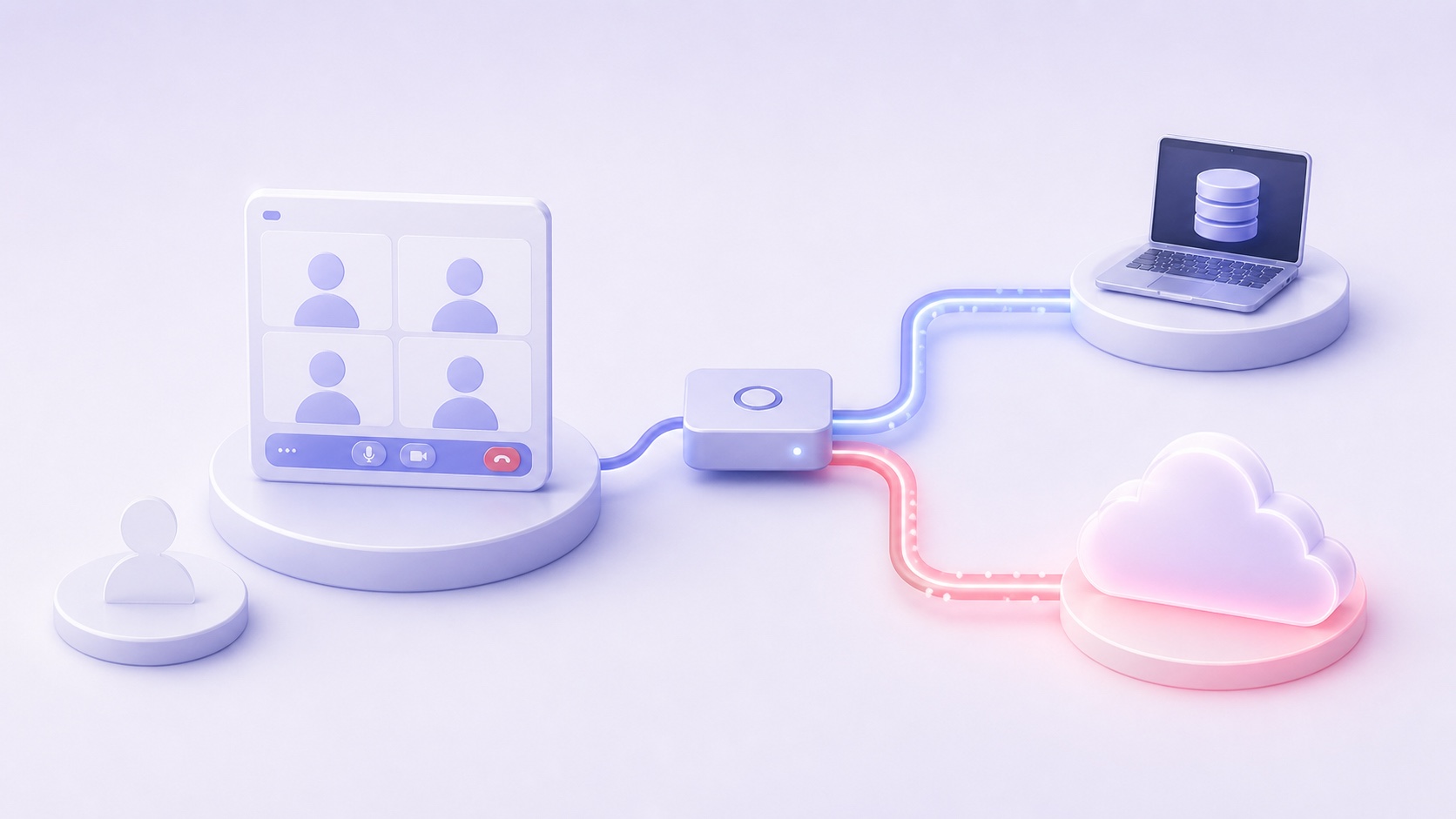
But bot-free and local answer different questions:
- Bot-free describes how the meeting is captured.
- Local describes where the content is processed and stored.
A meeting assistant can capture audio on your laptop and still send the resulting audio, transcript, or summary to a vendor service. A bot can also join a call while some processing happens on-device. The presence of a bot is not a reliable map of the data flow.
What Fathom has actually announced
Fathom’s current “Coming Soon” page says Google Meet bot-free video capture will arrive through its Chrome extension in the coming weeks. The company also says it is expanding bot-free support for Microsoft Teams, with availability depending on whether the user joins through a supported browser or native app.
The roadmap wording matters: Google Meet bot-free video capture is not described as generally available yet. Buyers should verify the live product and account eligibility before treating the feature as deployed.
Fathom’s separate 3.0 upgrade documentation lists three capture modes for eligible Mac users:
| Fathom capture mode | Visible bot? | What Fathom says is captured |
|---|---|---|
| Transcript Only | No | No recording is saved; transcript and summary are produced |
| Audio Only | No | Audio is captured locally on the device; no video |
| Audio & Video | Yes | A bot joins and records full audio and video |
Those options give users more control over meeting presence and the artifacts created. They do not, by themselves, establish that transcript generation, summarization, storage, search, sharing, and retention all remain on the Mac.
Bot-free is a capture method
A visible meeting bot is usually a separate participant operated by the note-taking service. It joins through Zoom, Google Meet, or Teams and receives meeting media through that platform.
A bot-free desktop app or browser extension can instead capture the audio and screen available to the user’s computer. This often improves reliability and makes the call feel less crowded. It may also work for meetings that block external bots.
The capture method tells you where the first copy is obtained. It does not answer what happens next.
After capture, a product may:
- stream audio to a hosted transcription service;
- create a transcript locally and upload the text;
- upload the transcript for summarization and search;
- store the completed meeting in a vendor account;
- copy notes into connected CRMs or collaboration tools; or
- keep every stage on the device.
All six workflows can be marketed as bot-free if no separate participant joins the call.
Fathom’s privacy policy describes a cloud service
Fathom’s privacy policy, last updated August 16, defines “Meeting Content Information” to include meeting notes, recordings, transcripts, meeting content, and attendee information.
It says Fathom receives personal information contained in meetings when users record or transcribe them. The policy also says Fathom receives meeting audio, video, and speaker identification; may disclose Meeting Content Information to a limited number of service providers; and may send content to connected third-party applications when the user enables integrations.
The policy further says customers using business or enterprise accounts generally act as controllers while Fathom acts as processor or service provider under its data-processing terms. It tells users to obtain necessary permissions and consents from other participants.
Those disclosures do not mean bot-free capture is deceptive or unsafe. They mean a local capture step should not be confused with an end-to-end local architecture.
The defensible conclusion from Fathom’s public materials is:
Some capture happens locally, but the service’s privacy policy contemplates Fathom receiving and processing meeting content.
Anything more specific about the exact pipeline for the forthcoming Google Meet mode should wait for product or technical documentation.
Four questions hidden inside “Where are my notes?”
Buyers should split the data flow into four stages.
1. Capture
How does the tool obtain the conversation? A bot, desktop app, browser extension, dial-in line, or operating-system capture API?
This stage affects reliability, visibility, permissions, and meeting etiquette.
2. Processing
Where do transcription, speaker separation, summarization, action-item extraction, and embeddings run?
“Audio is captured locally” does not necessarily mean the speech-to-text or language model runs locally.
3. Storage
Where do the recording, transcript, summary, metadata, embeddings, and backups remain after the meeting?
Ask whether the vendor hosts a searchable meeting history, which region it uses, which subprocessors receive content, and what happens after deletion or account closure.
4. Sharing
Who can open the meeting record, and how does it leave the primary store?
Review automatic attendee sharing, public links, team administrators, CRM sync, email, Slack, Teams, and other integrations. A private capture method can still lead to a broadly shared output.
The bot is visible. These four layers usually are not.
Bot-free also changes the consent experience
A visible bot can act as a conspicuous signal that a meeting assistant is present, although visibility alone is not necessarily valid consent. When the bot disappears, products need other notice mechanisms.
Fathom’s 3.0 documentation says users can enable a recording notice that posts a chat message when recording starts. If that notice is off, the app may ask the user to confirm consent before showing the live panel or before allowing access to the summary.
That workflow may help the account holder follow a policy. It does not automatically establish that every participant received legally sufficient notice or agreed where required. Recording and privacy rules vary by jurisdiction, context, and reasonable expectations.
Organizations moving from bot capture to desktop capture should therefore review—not remove—their notice process:
- calendar disclosures;
- verbal confirmation at the start;
- platform recording indicators;
- chat notices;
- rules for late joiners; and
- a way for participants to decline or request that capture stop.
Bot-free should not mean notice-free.
What local-first means in Summit
Summit is also bot-free, but the more important distinction is the documented processing path.
According to Summit’s data-flow and security architecture:
- system audio and microphone input are captured on the Mac;
- Whisper or Parakeet transcription runs in-process against a local model;
- speaker separation and transcript cleanup run on-device;
- Local Models can generate summaries on the Mac;
- embeddings and full-text search remain local; and
- Summit does not operate a backend repository containing users’ recordings or transcripts.
That is an end-to-end local option, not merely a bot-free capture option.
There are explicit boundaries. If a user configures a hosted language-model provider, transcript excerpts are sent to that endpoint. If encrypted iCloud sync is enabled, content is stored as client-side-encrypted fields or assets in the user’s private CloudKit database, while some structural metadata remains visible to Apple. User-selected Markdown exports and calendar actions can also enter other synced systems.
The meaningful difference is control and default architecture, not a claim that data can never leave the Mac.
A practical buyer’s test
When a meeting vendor announces bot-free support, ask for answers to these questions:
- Is audio merely captured locally, or also transcribed locally?
- Where does summarization run?
- Does the vendor receive audio, transcripts, or summaries?
- Which artifacts remain in the vendor account after the meeting?
- Which subprocessors receive meeting content?
- Are integrations or attendee shares enabled by default?
- How are participants notified without a visible bot?
- Can an administrator require or disable a capture mode?
- What happens to content after deletion?
- Can a fully local workflow be verified with network monitoring?
The answers describe the privacy architecture. “No bot” describes only the first step.
The bottom line
Fathom’s move toward bot-free Google Meet capture is useful and competitively significant. It acknowledges that many people want meeting notes without an extra participant joining every call.
It does not make the Fathom service local. Fathom’s own privacy policy contemplates receiving and processing meeting content, and its current product documentation does not say the forthcoming Google Meet workflow keeps every processing and storage stage on the device.
The right comparison is not bot versus no bot. It is:
Where does capture happen, where does AI run, where does the result live, and who can access it afterward?
Summit answers those questions with a fully local path users can inspect: on-device capture, transcription, summarization, indexing, and storage when Local Models are selected. Read the architecture, then apply the same four-stage test to any meeting assistant you evaluate.
This article discusses product architecture and privacy considerations, not legal advice. Fathom describes Google Meet bot-free video capture as forthcoming, and product behavior may change. Verify current documentation, account eligibility, and settings before making procurement or compliance decisions.
Sources: Fathom 3.0 roadmap, Fathom 3.0 capture modes and consent documentation, Fathom privacy policy, and Summit data-flow and security architecture.