Does Zoom Record Biometric Data? What Their Privacy Policy Actually Says
Zoom's privacy policy allows collection of face geometry and voice patterns for AI features. Here's what they actually collect, where it goes, and how it compares to a tool that collects nothing.
The question “does Zoom record biometric data” gets asked a lot. The honest answer requires reading Zoom’s privacy policy carefully — which is exactly what most people don’t have time to do. Let’s do it together.
What Zoom’s Privacy Policy Actually Says
Zoom’s privacy policy (updated periodically; this analysis reflects the 2025 version) includes the following under data it collects:
Under “Content”:
“Audio, video, and other content generated in meetings, webinars, and messaging”
Under “Product and Device Data”:
“Face geometry data (when you enable a feature that uses it, such as virtual backgrounds)”
Under AI Features:
“When you use AI features, we may collect data… including audio, video, and meeting content to provide, improve, and develop AI features and products”
And the kicker — under data sharing with third parties:
“Zoom may share personal information with third-party service providers… who provide services such as… analytics”
The face geometry piece is relatively well-known. Less discussed: Zoom’s AI Companion and its handling of voice data.
AI Companion and Voice Processing
Zoom AI Companion — the built-in meeting summarization tool — processes audio to generate transcripts, summaries, and “who said what” attribution. Speaker attribution requires distinguishing between voices. Distinguishing between voices at scale means creating voice models.
Zoom’s documentation states that AI Companion data “may be used to train AI models” unless your account admin has opted out. The default behavior for many account types is opt-in to training.
So the flow looks like this:
Your meeting audio → Zoom cloud →
→ Speaker identification processing →
→ Transcript + summaries →
→ Data potentially used for model training
Whether Zoom’s speaker identification creates “voiceprints” as defined by BIPA and similar laws is a question that courts and regulators are actively working through. The technology is functionally similar to what’s in litigation elsewhere.
Data Retention: The Fine Print
Zoom’s default retention for meeting recordings (cloud recordings) is determined by your plan. For AI Companion-generated content, their documentation indicates:
- Meeting summaries: retained in your account until you delete them
- AI interaction data: subject to Zoom’s internal retention schedules
- Data used for model training: not subject to the same deletion timelines as user-facing content
When you delete a cloud recording, you’re deleting the user-accessible file. What happens to the derived data — embeddings, transcripts, speaker models — is less clearly documented.
The Consent Questions Zoom Raises
For organizations using Zoom with AI features enabled, several consent issues arise:
Non-Zoom users: External participants who join your Zoom call may not have agreed to Zoom’s terms of service. The host enabling AI Companion doesn’t create consent on their behalf. In states with strict biometric consent laws (Illinois, Texas, Washington), this can be a problem.
Meeting recordings sent to training: If Zoom uses meeting data to improve AI models, the consent basis for that use is typically buried in terms of service — not the explicit, purpose-specific consent that BIPA or GDPR Article 9 requires.
GDPR specifics: For EU users, Zoom is a data processor. The data processing agreement needs to cover AI feature processing specifically. EU customers should verify their DPA explicitly addresses AI Companion data flows.
Zoom Isn’t Alone
To be fair to Zoom: this isn’t unique to them. Microsoft Teams with Copilot, Google Meet with Gemini, Otter.ai, Fireflies.AI — they all have similar dynamics. Audio goes to the cloud. AI processing happens there. Data may be used for model improvement. Retention policies are complex.
Zoom is a convenient example because it’s ubiquitous and people are specifically searching for this information. But the analysis applies broadly to any cloud-based AI meeting tool.
What Zoom Lets You Control
Zoom does offer some controls:
- Account admins can disable AI Companion entirely
- You can opt out of data used for model training (at the account level)
- Cloud recording can be disabled per meeting or account-wide
The challenge: these are admin-level controls. If your company uses Zoom and the admin hasn’t explicitly configured these settings, the defaults apply. And most companies haven’t audited their Zoom AI settings with biometric compliance in mind.
The Alternative: Zero Collection
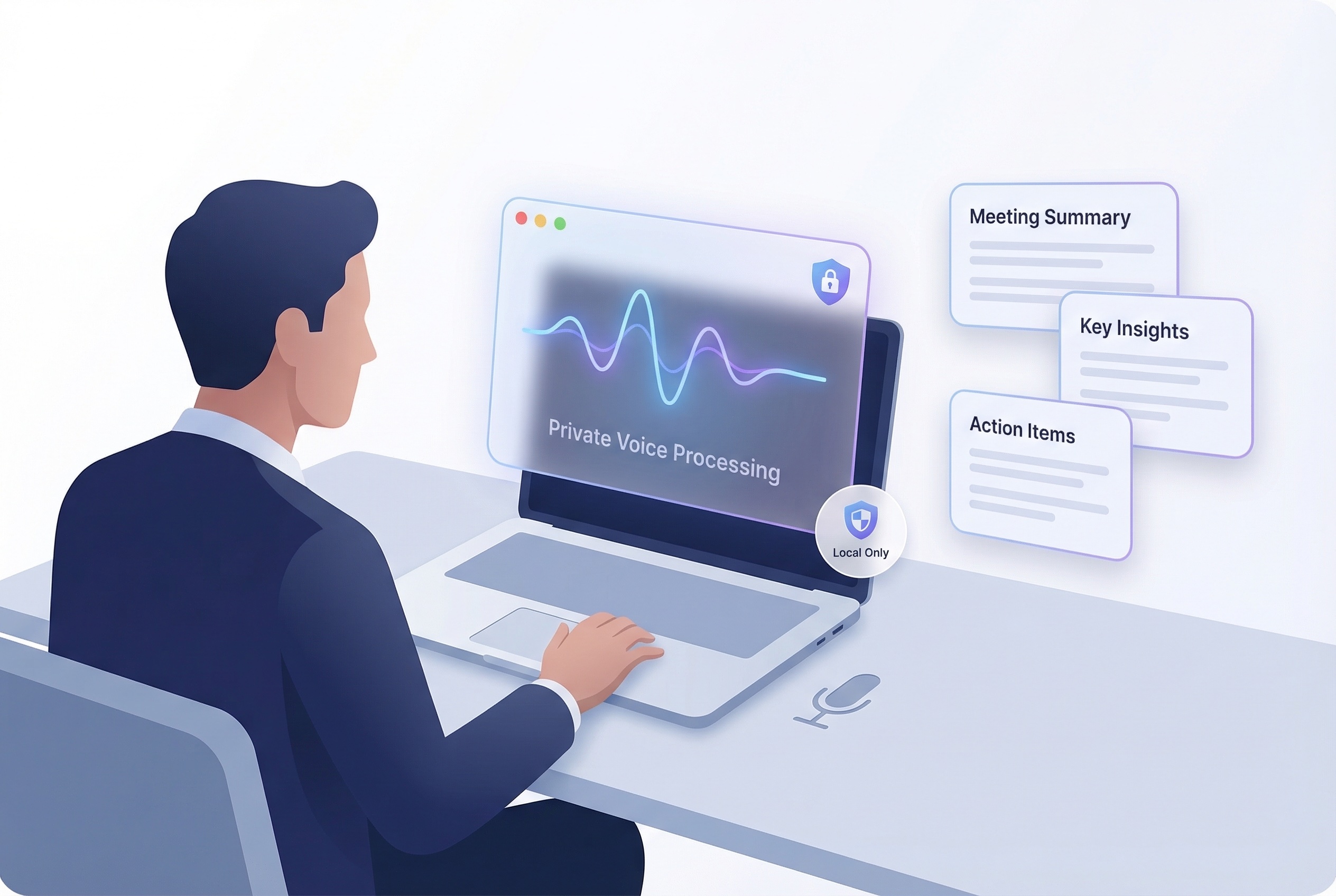
Summit records audio locally on your Mac. It never joins your Zoom call as a bot. There’s no audio stream going to a cloud server. When Summit generates a transcript and summary, that processing happens on your device.
The comparison:
| Zoom AI Companion | Summit | |
|---|---|---|
| Audio processing location | Zoom cloud servers | Your Mac |
| Voice data sent to third party | Yes | No |
| Speaker embeddings in cloud | Potentially | Never |
| Data used for model training | Opt-out required | Not applicable |
| GDPR DPA required | Yes | Not applicable |
| BIPA consent for external participants | Complex | Not applicable |
If you’re already using Zoom for calls — Summit records the audio locally while the call happens, then processes it on-device. You keep using Zoom. You just stop having your meeting content processed on someone else’s servers.
Try Summit — meeting notes that stay on your device. Download for macOS
References
- Zoom Privacy Policy (2025): zoom.us/privacy
- Zoom AI Companion documentation: support.zoom.us
- Zoom Data Processing Addendum (EU)
- Fireflies.AI BIPA class action complaint (December 2025)
- GDPR Article 28 — Processor obligations