Why Your IT Team Blocked the AI Notetaker
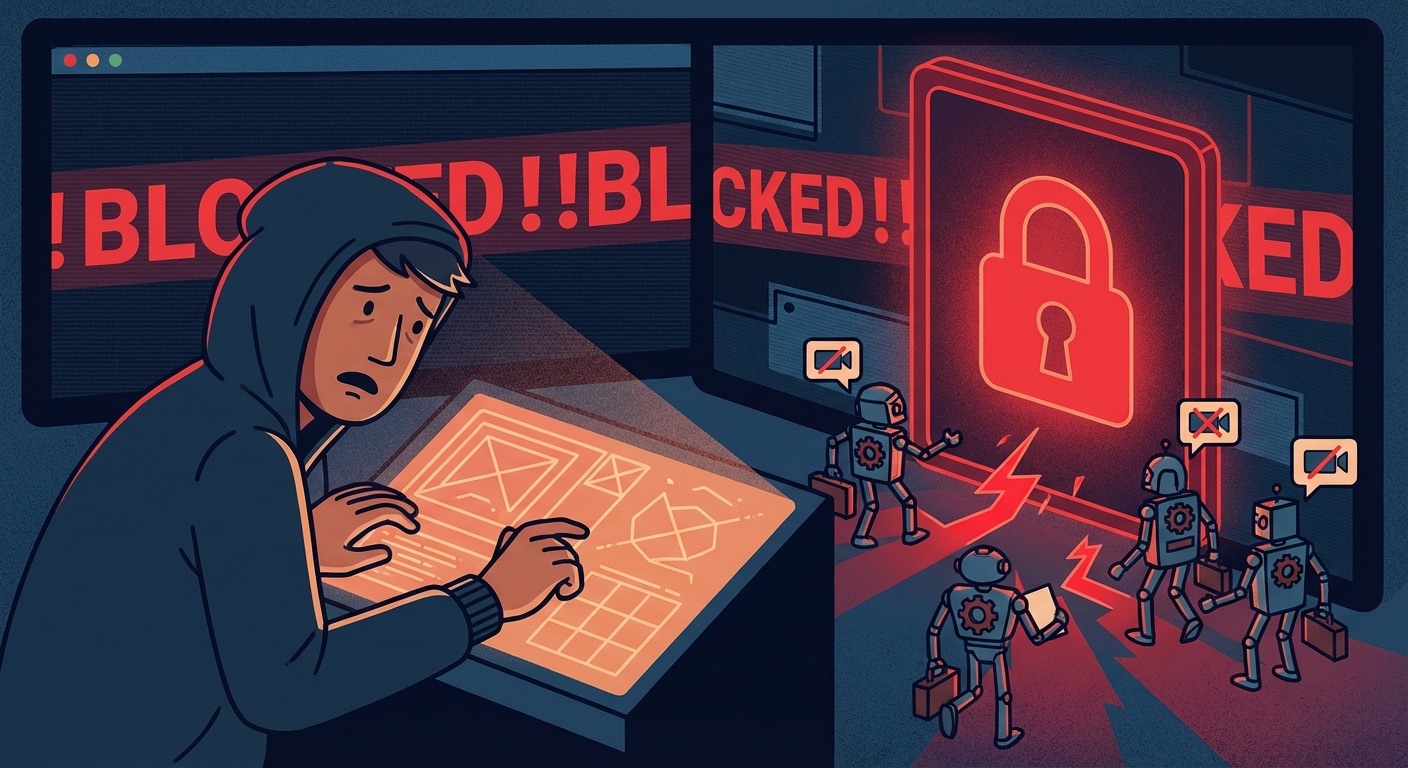
One IT admin had to block the Otter.ai domain company-wide after repeated security incidents. Here's what happened, and what to use instead.
A Zoom admin posted this on Reddit in October 2025:
“After multiple email blasts, and security talks, we had to block the otter.ai domain, and do some fancy trickery. DM me if you had the same problem and need assistance. AI notetakers are objectively helpful, and are really good, but those that act in bad faith are infuriating.”
Act in bad faith. That’s not a product complaint. That’s an indictment.
This isn’t an isolated incident. It’s becoming a pattern.
What “Acting in Bad Faith” Looks Like
Otter.ai’s bot is aggressive by design. It:
- Joins meetings automatically, including ones where the host didn’t invite it
- Emails transcripts to all participants, including people who never signed up
- Records even when attendees explicitly object
- Continues recording after someone says “please stop”
The IT admin in that Reddit post didn’t block Otter on a whim. They went through email campaigns, security talks, and policy updates first. The bot kept showing up anyway.
At that point, the only option left is a domain-level block.
Why This Happens at Companies
Most companies run on two competing needs: productivity tools and compliance.
Sales teams love Otter. IT teams hate what Otter does to their security posture. And legal teams are now watching the lawsuits pile up:
- Otter.ai: Class action lawsuit alleging recording without consent and using transcripts to train AI
- Fireflies.ai: BIPA lawsuit over voiceprint collection
- Microsoft Teams: Illinois residents suing over voice biometric collection
When one of those lawsuits hits your industry, your IT team gets a very urgent email from Legal.
The result: blanket bans. Not just on the bad actors, but on the whole category.
The Collateral Damage
Here’s the problem with blanket bans: they block good tools along with bad ones.
The people who actually needed to take meeting notes — client calls, compliance reviews, medical consultations, legal interviews — now have nothing. They’re back to typing fast and hoping they don’t miss anything.
One person in r/ExperiencedDevs: “Zero AI tools allowed at our company now. Any AI-assisted tool is blocked.”
Another from r/womenintech: “InfoSec blocked all the good ones — Otter, Fireflies — due to data privacy and client confidentiality.”
The ban didn’t solve the problem. It just moved it.
What Gets Through Compliance Reviews
After a ban, the question becomes: what can we use?
The IT admins who post about this usually end up looking for tools that:
- Don’t send a bot into the meeting — no joining, no announcing itself, no visible presence
- Don’t upload audio or transcripts to third-party servers — data stays inside the company perimeter
- Don’t use your content to train their models — which most cloud tools do, buried in the ToS
- Don’t require participants to consent to a third party’s recording — only the person taking notes needs to know
That’s not a wishlist. That’s the minimum bar for most compliance teams.
How Summit Passes
Summit records locally on your Mac. No bot. No upload. No cloud.
The audio never leaves your device. The transcript is generated on-device. The summary is generated either locally or via your own API key with your own provider account — not Summit’s.
This means:
- There’s nothing to block at the DNS level
- Participants don’t need to consent to a third-party recording
- Your IT team isn’t liable for someone else’s data handling
- Legal doesn’t need to review a new vendor’s DPA every time
It’s not magic. It’s just a different architecture.
The IT Admin’s View
If you’re an IT admin dealing with this: Summit doesn’t join the call, doesn’t touch your network, and doesn’t call home. It runs on the user’s Mac and produces local files.
If you’re a user at a company that banned meeting bots: Summit isn’t a bot. It’s a local app. That’s usually a different category in IT policy.
Either way, worth a conversation with your team.
Download Summit — meeting notes that don’t require a conversation with IT.