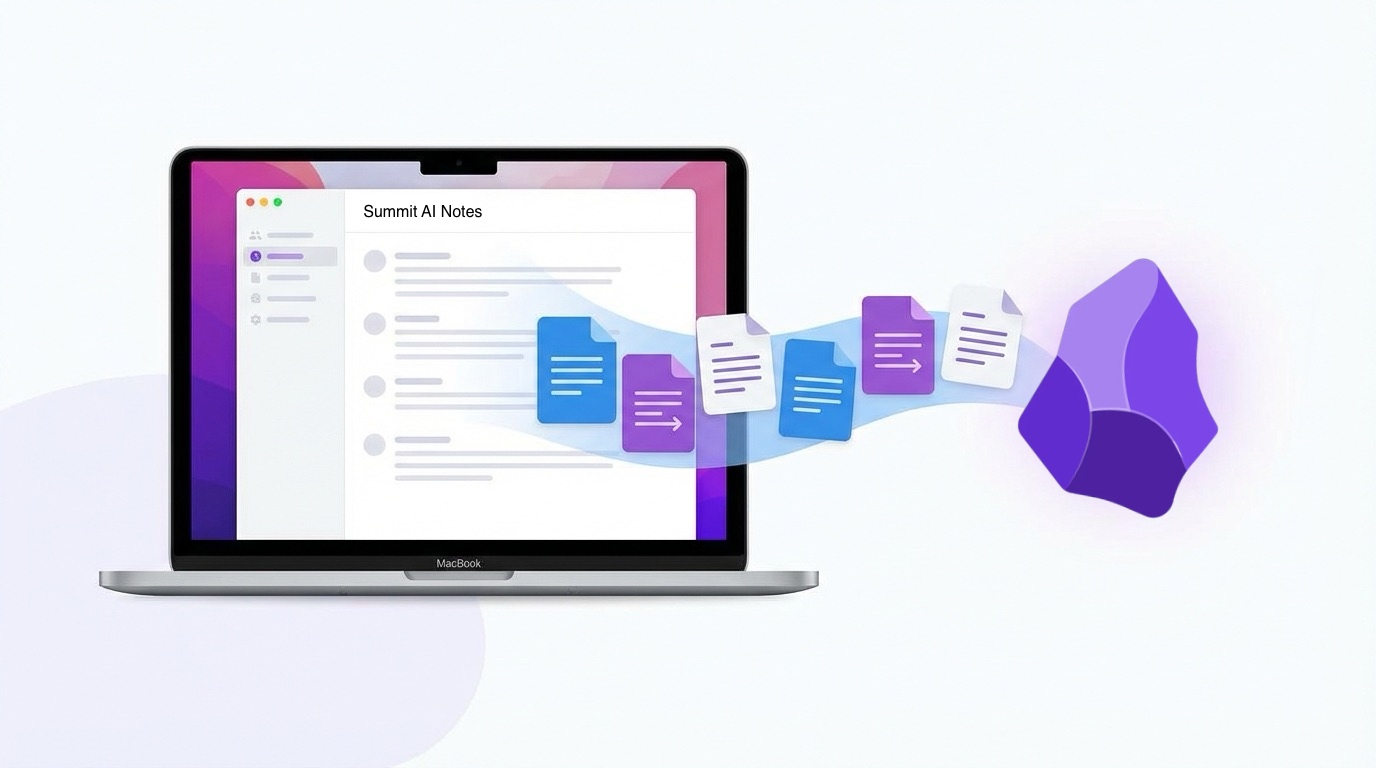
Summit + Obsidian: Meeting Notes That Flow Into Your Vault
Your meeting notes belong in your vault, not someone else's cloud. Here's how to set up automatic markdown export from Summit to Obsidian.
If you use Obsidian, you know the pain: your meeting notes live somewhere else.
Otter keeps them in their cloud. Fireflies owns your transcripts. Granola… well, people have been asking for markdown export for months.
Meanwhile, your vault sits there, perfectly organized, waiting for the one type of knowledge that matters most: what people actually said in meetings.
The Problem With Cloud Meeting Notes
Every cloud meeting notes app creates the same problem:
-
Your notes are hostage. Want to link a meeting to a project? Copy-paste. Want to search across meetings and notes? Two different apps.
-
Privacy is someone else’s promise. Your transcripts live on their servers. Their privacy policy can change. Their security can fail. (Ask Otter users about that.)
-
No backlinks, no graph. The whole point of a PKM system is connections. Cloud silos don’t connect to anything.
Summit’s Approach: Your Mac, Your Files
Summit records and transcribes everything on your Mac. No cloud. No upload. No meeting bot joining your calls.
And since version 1.7, Summit can automatically export every meeting to markdown — straight into your Obsidian vault.
Setting Up Auto-Export
- Open Summit → Settings → Processing
- Enable Auto-export markdown
- Done.
Summit saves each recording in its own folder with the markdown file alongside the audio:
Summit/
├── 951E57F3-06D0-42DC-867B-9AA92DB9C1C6/
│   ├── document.md      ← your notes
│   ├── microphone.m4a
│   └── system.m4a
├── A2B3C4D5-E6F7-8901-2345-6789ABCDEF01/
│   ├── document.md
│   └── ...
The folder names are UUIDs — not pretty, but functional. You can point your Obsidian vault at the Summit folder and use Dataview or folder notes to make it more navigable. (A future update may add human-readable folder names.)
What You Get
Each document.md includes:
# Weekly Standup

**Participants:** Alex, Sarah, Mike
**Created:** Feb 10, 2026 at 9:00 AM
**Duration:** 45:23
---

## Tags

standup, team, planning

## Key Topics

* Sprint progress update
* Blocker discussion
* Next week priorities

## Action Items

1. [ ] Follow up on API integration
   - **Assignee:** Alex
   - **Due:** Feb 14, 2026

2. [ ] Prepare demo for client
   - **Assignee:** Sarah

## Notes

Your manual notes appear here...

## Transcription

**Alex:** Let's start with updates from last week...

**Sarah:** I finished the design review. Main feedback was...

**Mike:** On my end, the API integration is almost done...
The Obsidian Workflow
Point Obsidian at your Summit folder and your meetings become searchable:
Search everything: One search bar. All your notes. All your meetings. Obsidian indexes the full transcript.
Link from other notes:
Met with client about [[Project Alpha]].
Notes in Summit folder (search for "client kickoff").
Use Dataview for queries: Since the files have consistent structure, you can query across meetings:
LIST
FROM "Summit"
WHERE contains(file.content, "action item")
Build a meetings index: Create a folder note or MOC (Map of Content) that links to your most important meetings by topic or project.
Privacy Stays Local
Here’s what happens when you record a meeting with Summit:
- Audio captured locally on your Mac
- Transcription runs locally (Whisper models, no internet needed)
- AI summary generated locally (or with your own API key)
- Markdown exported to your local folder
- Obsidian syncs however you want (iCloud, Syncthing, Git, or not at all)
At no point does your meeting audio or transcript leave your machine — unless you explicitly choose to sync your vault.
Compare that to cloud alternatives where your audio is uploaded, processed on their servers, stored indefinitely, and potentially used to train their models.
For Obsidian Power Users
A few tips:
Folder notes: Create an index.md in your Summit folder that serves as a jumping-off point. Manually link to important meetings as you have them.
Search operators: Use Obsidian’s search to find meetings by participant ("**Participants:** Sarah") or by content in the transcript.
Tags in Summit: Tag your meetings in Summit — they export to the markdown and become searchable.
Symbolic links: If you want meetings in a different location, create a symlink from your vault to the Summit storage folder.
Try It
If you’re already using Obsidian and attending meetings, this is the missing piece.
Download Summit — free to try, runs entirely on your Mac.
Your meetings. Your vault. Your rules.