Smart Glasses and Invisible Meeting Recording: A Workplace Guide
AI wearables make meeting recording harder to see. Here is what the ICO's September commentary means for notice, consent, workplace monitoring, and local processing.
A meeting bot announces itself in the participant list. A pair of smart glasses may look almost ordinary.
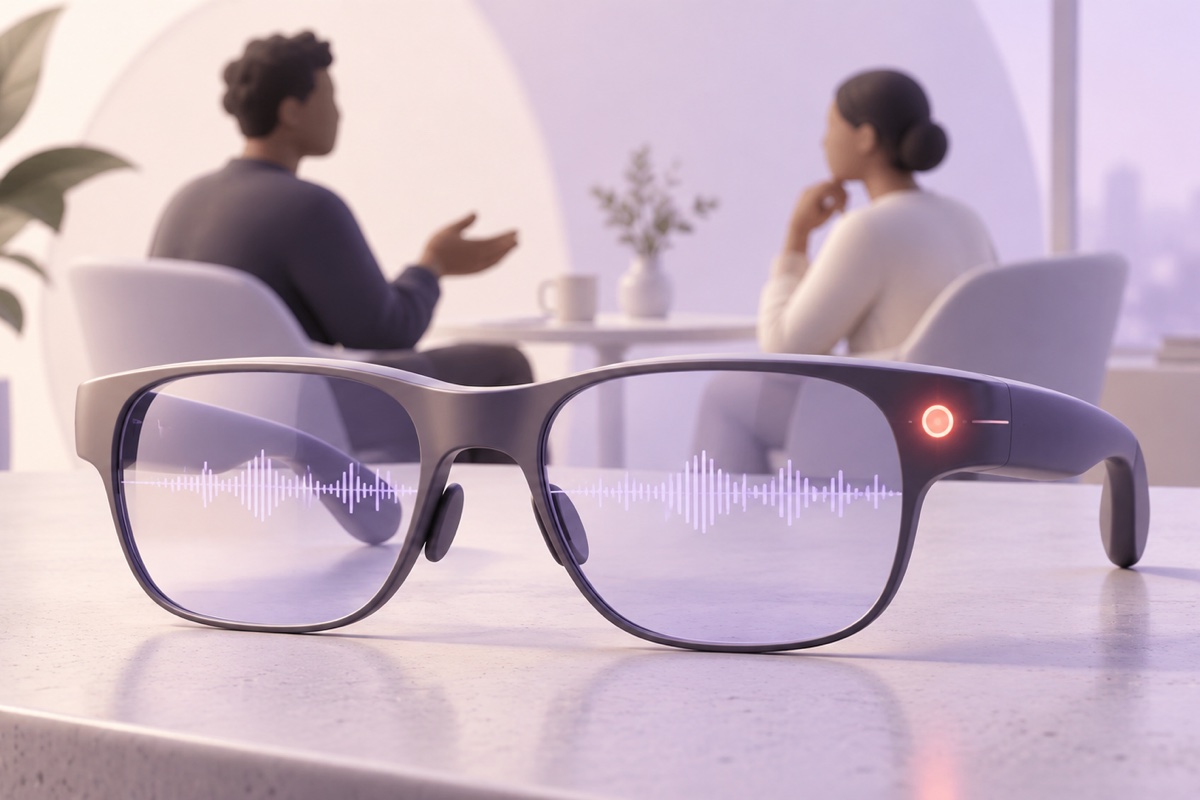
That difference changes the social signal around recording. The device can capture an in-person conversation, send audio to an AI service, create a transcript, and surface suggestions while everyone else sees only eyewear and perhaps a small indicator light.
On September 17, the UK’s Information Commissioner’s Office addressed that tension in public commentary about smart glasses and other AI wearables. The regulator acknowledged concerns about recording people without their knowledge and harassment, while rejecting the idea that the technology is inherently good or bad.
The useful lesson for workplaces is neither “ban all wearables” nor “a visible light solves consent.” It is to govern the capture path before the device enters the room.
This article provides general privacy and workplace information, not legal advice.
What the ICO actually said
In “Enabling technology for good,” published September 17, the ICO described AI-enabled wearables as tools with real benefits and real privacy risks.
The benefits can be substantial: navigation, memory assistance, hands-free access to information, live captioning, object recognition, and support for people with disabilities. The risks include covert capture, surveillance, harassment, misuse of personal data, and uncertainty about when a device is listening.
The ICO did not announce a blanket ban on smart glasses. Its position was that developers and deployers need privacy safeguards, transparency, and responsible use.
That distinction matters. A policy built on fear may block accessibility and useful work. A policy built on wishful thinking may normalise invisible recording. The better approach is risk-based and specific to the feature being used.
Why glasses feel different from a phone or meeting bot
Three design characteristics make wearables unusually difficult to govern.
1. The recorder is part of what someone is wearing
A phone placed on a table is a familiar capture signal. A bot named “AI Notetaker” is visible in a call roster. Glasses remain on the user’s face throughout ordinary conversation, so others may not know whether the microphone, camera, live transcription, or memory feature is active.
2. The indicator is easy to miss
An LED may be small, outside another person’s line of sight, obscured by lighting, or meaningless to someone unfamiliar with the model. Software can also capture audio without recording video, while bystanders look only for a camera light.
An indicator is valuable defence in depth. It should not be the only notice.
3. Capture can continue across context changes
The wearer can move from a scheduled meeting into a hallway, lift, café, customer site, restroom approach, or private desk conversation without opening a new app. The social context changes faster than the device state.
This is the physical-world version of an AI notetaker that remains in a call after the intended meeting ends.
The legal roles depend on the use
Under UK data-protection law, the key question is often why and on whose behalf the device is processing personal data.
A person using a wearable for a purely personal or household activity may fall within a household exemption. That boundary is narrow and fact-specific. Publishing footage, systematic monitoring, using it for work, or capturing beyond a genuinely personal sphere can change the analysis.
In a workplace, the employer may be the controller if it authorises the device, determines the purpose, receives the transcript, or uses the output for business decisions. The employee may also create separate risk by using a personal wearable without authorisation.
The device maker, transcription provider, foundation-model provider, storage service, and integration platform may each process different parts of the data chain. “The audio started on the glasses” does not make the rest of the system local or private.
Workplace monitoring rules still apply
The ICO’s worker-monitoring guidance says monitoring should be lawful, transparent, fair, necessary, and proportionate.
For wearable recording, that means an employer should be able to explain:
- the specific purpose;
- the lawful basis and any additional condition for sensitive data;
- why a less intrusive method is insufficient;
- which people and spaces may be captured;
- where the data goes;
- who can access it;
- how long each artifact is retained; and
- how people can exercise their rights.
High-risk or systematic monitoring may require a data protection impact assessment. A DPIA is not paperwork added after deployment. It should influence whether the feature is enabled, which data stays on-device, and where use is prohibited.
Notice is a system, not a sticker
Good notice has layers:
- Policy notice: the organisation explains approved devices and purposes before use.
- Meeting notice: the host says that wearable capture will be active and what output it creates.
- Device signal: a persistent, intelligible indicator shows when capture is running.
- Late-joiner notice: anyone entering later receives the same information.
- Artifact notice: recipients can see the source, date, retention, and permitted use of the transcript or summary.
A tiny LED cannot communicate recipient scope or retention. A handbook paragraph cannot tell someone that capture is active now. The layers solve different problems.
Consent is not always the lawful basis—and is not always freely given
People often describe any recording rule as “consent.” Data-protection law is more precise.
In employment, consent may be difficult to rely on because of the power imbalance between employer and worker. An organisation may need another lawful basis, plus an Article 9 condition if special-category data is processed. It still owes transparency and must respect recording and communications laws.
For customers, visitors, and other external participants, the appropriate basis can differ again. US state consent laws, contractual confidentiality, professional duties, and sector-specific rules may apply alongside UK GDPR.
The operational standard should be simple even when the legal analysis is complex: people should not have to inspect someone’s face to discover that an AI system is capturing them.
Accessibility needs a real exception process
Smart glasses can be assistive technology. A policy that simply bans all camera- or microphone-equipped wearables can disadvantage people who rely on captioning, navigation, visual description, memory support, or hands-free interfaces.
An accommodation process can protect both accessibility and privacy:
- focus on the necessary function rather than the device brand;
- prefer on-device processing and minimal retention where feasible;
- disable video when audio transcription is sufficient;
- restrict use in high-sensitivity spaces;
- provide alternative tools when the wearable creates disproportionate risk;
- disclose only what colleagues need to understand the capture; and
- involve accessibility, privacy, security, HR, and the user in the decision.
The goal is not to make a worker repeatedly justify a disability. It is to approve a stable, respectful configuration.
A workable policy for offices and meetings
Define approved modes
List permitted functions such as live captions, still photos, audio notes, continuous memory, video, facial recognition, or remote expert streaming. “Smart glasses allowed” is too broad because those modes have very different risks.
Create no-capture zones and moments
Common exclusions include restrooms and changing areas, medical rooms, legal consultations, HR investigations, disciplinary meetings, whiteboards containing secrets, production areas with safety restrictions, and customer sites that have not approved recording.
Require an intentional start
Disable continuous or automatic capture for business use. Require the wearer to start each session deliberately after notice. If the audience or purpose changes, stop and reassess.
Separate live assistance from retention
Live captions that disappear can be less intrusive than a saved transcript, searchable memory, or video archive. Configure the minimum artifact needed for the purpose.
Control integrations
Block automatic export to personal clouds, consumer AI accounts, social platforms, or unapproved CRMs. Review each subprocessor and cross-border transfer.
Provide a non-recorded path
Participants need a practical way to decline. That may mean turning off capture, using manual notes, moving to an approved room, or providing the wearer with another accommodation.
Define enforcement without vigilantism
Staff should report suspected misuse through a known channel. They should not be encouraged to seize devices, confront disabled users, or infer that every pair of smart glasses is recording.
Privacy by design for wearable makers
The ICO’s data protection by design and by default guidance maps cleanly onto wearable design.
A privacy-respecting product should favour:
- a hardware-linked, persistent capture indicator that apps cannot disable;
- audible or spoken notice where appropriate;
- granular controls for audio, video, transcription, and retention;
- on-device processing before cloud transfer;
- short default retention;
- a clear record of what was captured and shared;
- rapid deletion and export tools; and
- no facial recognition or identity inference by default.
These choices make appropriate use easier. They do not transfer responsibility away from the organisation deploying the device.
What local processing changes
Local processing can reduce the number of parties that receive a conversation. With Summit and Local Models selected, capture, transcription, diarization, summarisation, storage, and search can stay on the Mac instead of sending a meeting to a bot or a cloud workspace.
That benefit is relevant to wearables too: on-device captions or notes generally create a smaller exposure surface than continuous cloud memory.
But local capture can still be covert, excessive, discriminatory, insecure, or unlawful. The absence of a vendor does not remove another person’s privacy interest. The device and Mac still need clear indicators, access controls, retention, secure backups, and a stop button that people actually use.
Summit’s optional hosted summarisation and iCloud features create additional paths when enabled; see the security architecture for the boundaries.
The practical takeaway
Smart glasses do not invent the law of meeting recording. They weaken the cues people have relied on to understand when capture is happening.
Organisations should govern functions, not fashion: identify what is captured, make activation intentional, provide layered notice, create a real opt-out path, preserve accessibility, restrict sensitive contexts, and minimise retention.
The question is not whether glasses look normal. It is whether every person in the room can understand and challenge the data flow they create.
Sources
- ICO: Enabling technology for good
- ICO: Data protection and monitoring workers
- ICO: Data protection by design and by default
Try Summit on macOS for bot-free meeting notes with a fully local processing path.