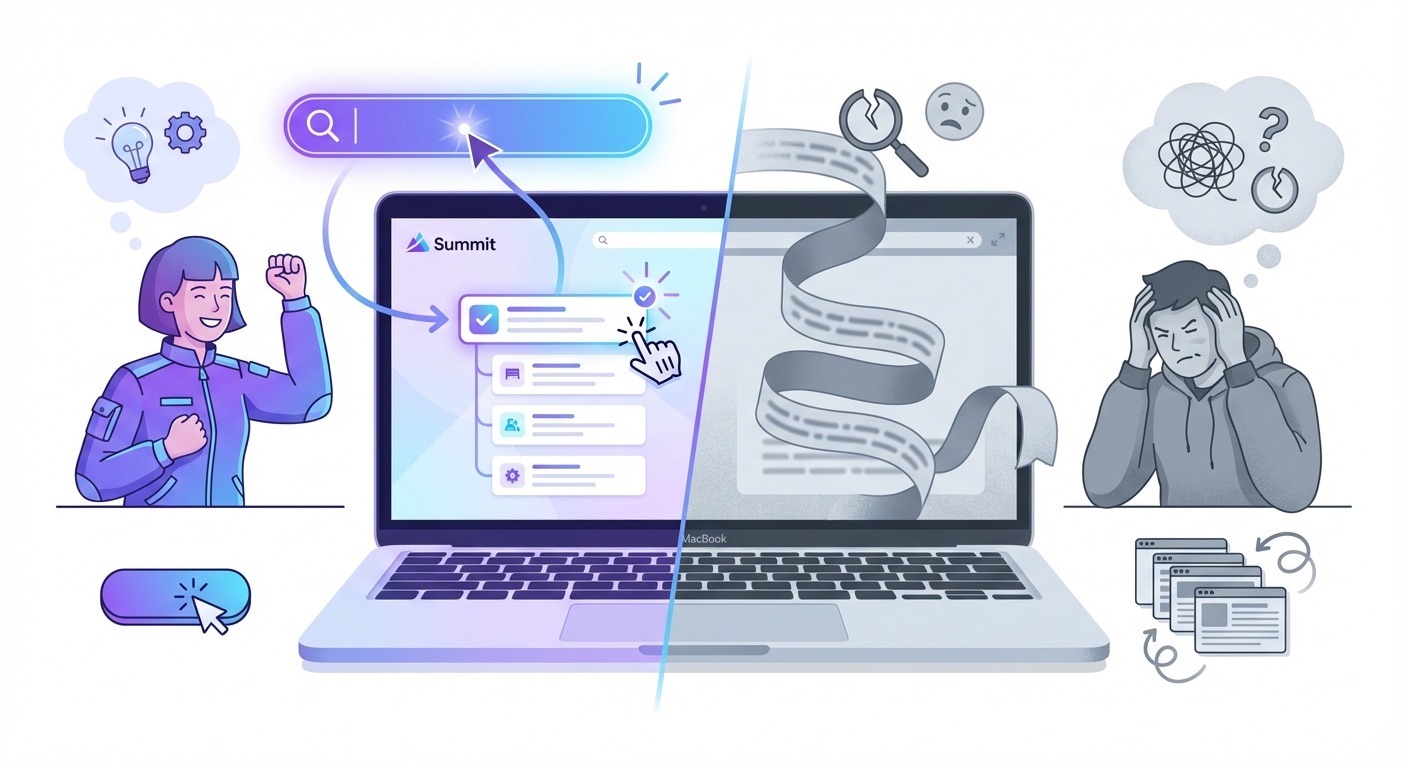
25,000 Minutes of Meetings You Can't Search
Recording meetings is easy. Finding what was said? That's where most tools fail. Here's why search matters more than storage.
Someone on Reddit recently posted: “I have 25,000 minutes recorded in Otter. The search is non-existent.”
Twenty-five thousand minutes. That’s over 400 hours of meetings. Conversations, decisions, promises, ideas — all captured, all stored, all… useless.
Because what’s the point of recording everything if you can’t find anything?
The Storage Trap
Most meeting notes apps sell you on capture. “Never miss a detail! Record everything! AI-powered transcription!”
So you record. And record. And record.
Six months later, you’re trying to remember what the client said about the budget in that call back in October. You open the app. You scroll. And scroll. You try a search. Nothing useful comes up.
The meeting is in there somewhere. You know it is. But it might as well not exist.
Storage without search is just digital hoarding.
Why Most Meeting Search Fails
Here’s the problem: most meeting notes apps treat search as an afterthought.
They give you a basic keyword search — type a word, get every transcript that contains it. But meetings aren’t documents. They’re messy, conversational, full of context.
When you search “budget,” you don’t want every meeting where anyone said “budget.” You want:
- The meeting where Sarah from Finance discussed the budget
- From last quarter
- In the Project Alpha folder
- Where something was actually decided
Basic keyword search can’t do that.
How Summit Search Works
Summit takes a different approach. Instead of bolting search onto storage, we built search into the foundation.
Find Things By What They Mean
Ever tried to search for a meeting about “pricing” but the conversation used words like “cost,” “rates,” and “fees” instead?
Summit uses semantic search — it understands that these words mean similar things. Search for “pricing discussion” and you’ll find meetings about costs, fees, quotes, and budgets too.
It’s like having a search engine that actually understands what you’re looking for, not just the exact words you typed.
Combine Multiple Filters
Real questions aren’t simple:
- “What did Alex say about the timeline?”
- “Client meetings from January where we discussed features”
- “Action items I haven’t completed yet”
Summit lets you stack filters:
By speaker: Find everything a specific person said across all your meetings. Great for preparing for 1:1s or reviewing what a client has mentioned over time.
By date: Last week, last month, custom range. Narrow down to when you know something happened.
By folder or tag: If you organize meetings by project or client, search within those boundaries.
By content type: Just show action items. Just show decisions. Just show questions that were asked.
Mix and match. “Action items from Alex in Project Alpha meetings from last month” — that’s one search.
Everything Stays On Your Mac
Here’s what makes this different from cloud search: Summit runs entirely on your device.
Your transcripts aren’t uploaded to a server to be indexed. The search engine runs locally. Which means:
- It’s fast. No waiting for a server round-trip.
- It’s private. Your meeting content never leaves your machine.
- It works offline. Search your meetings on a plane.
Cloud apps index your data on their servers. That’s how they make search work — but it’s also how they end up with copies of everything you’ve ever said in a meeting.
The Hybrid Approach
Summit actually combines two types of search:
Word matching finds exact phrases and terms. When you need to find every mention of “Q3 revenue,” you get exactly that.
Meaning matching understands context. When you vaguely remember a discussion about “making the app faster” but the actual transcript says “performance optimization,” it still finds it.
Together, they cover both precise lookups and fuzzy recall — the two ways humans actually try to find things.
Beyond Search: Talk to Your Meetings
Here’s where it gets interesting. Finding a meeting is step one. But what if you could ask questions about what you found?
Summit lets you chat with your search results. Not just read them — interrogate them.
Ask across multiple meetings:
- “What has Sarah said about the timeline across all project meetings?”
- “Compare what was discussed in the Monday standup vs Friday retro”
- “What action items have I assigned to myself in the last month?”
Go deep on a single meeting:
- “What was decided at the end of this call?”
- “Summarize the first 10 minutes”
- “What concerns did the client raise?”
Extract structured information:
- “List all action items and who’s responsible”
- “What questions were left unanswered?”
- “Extract all deadlines mentioned”
Every answer comes with citations — click to jump to the exact moment in the recording where that thing was said.
It’s like having a research assistant who’s attended every meeting you’ve ever had and can instantly pull up relevant quotes.
What This Looks Like In Practice
Monday morning: You’re preparing for a client call. Search their name, filter to the last 3 months, see every conversation in one view. Skim the key points. Walk into the meeting prepared.
During a project review: Someone asks “didn’t we decide this already?” Search the project tag, filter to decisions, find the exact meeting where the call was made.
Annual review time: Search by person, see every 1:1 and meeting you’ve had with your direct report. Review their contributions, action items, and growth over the year.
Before a pitch: Search your past client meetings for objections and questions. See patterns in what prospects worry about.
Recording Is Easy. Finding Is Hard.
The gap between these two is where most meeting tools fail.
They optimize for capture — fancy bots, automatic recording, real-time transcription. But when it comes to actually using what you’ve captured, they leave you scrolling through endless transcripts.
If you’ve ever felt like your meeting notes app is more of a write-only database than a useful tool, you’re not wrong.
Try It
Summit is free to download. Record a few meetings, let them pile up, then try to find something specific.
That’s when you’ll feel the difference.
Download Summit — meeting notes that stay on your Mac.